
Measure Design System Impact, Part 2: AI, Adoption and DesignOps
20 Oct 2026 · 8 min read
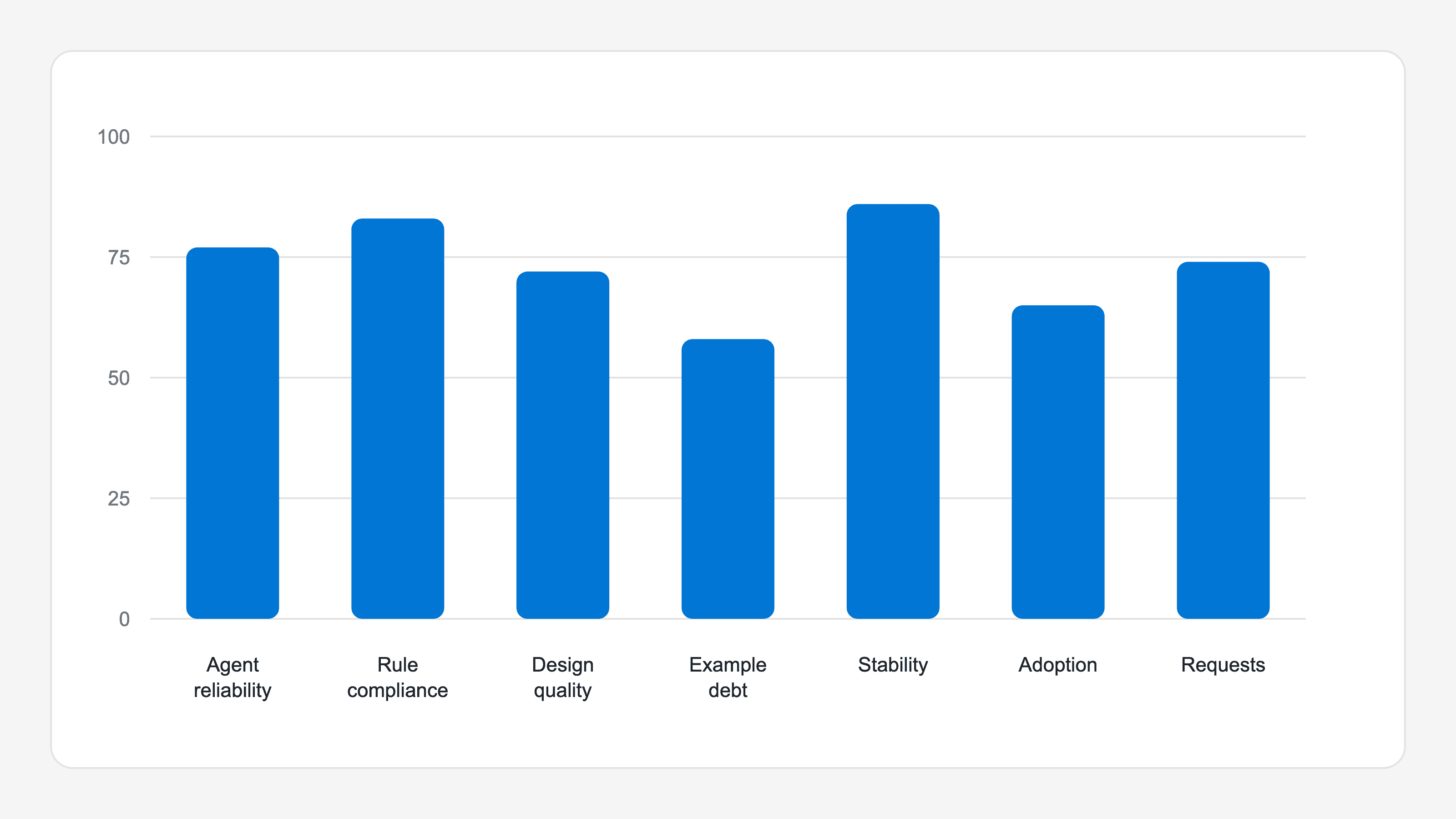
Part 2 looks beyond an individual component and into DesignOps: what AI agents do with the Design System, how well products adopt it, and what friction teams experience. Internal quality is not enough if the system is not used well in product.
Quick map: Part 2
How the metrics are classified:
- Using the Design System with AI covers agent reliability, rule compliance, design quality, and example debt.
- DesignOps covers stability for teams, adoption in real products, and requests and response time.
| Metric | Files you need | How to measure it | Measurement type |
|---|---|---|---|
| Agent reliability | Exercise bank and saved outputs | Generate repeatedly and grade every hidden-checklist item. | Script + calibration |
| Rule compliance | Custom linter and system types | Run compiler and linter on every output, rule by rule. | Script + calibration |
| Design quality | Rubric and calibrated examples | Use an independent AI judge and review a human sample. | AI judge + manual sample |
| Example debt | Storybook stories, guide snippets, and the same linter | Lint every example; report violations by rule and file. | Script |
| Stability for teams | CHANGELOG.md and MIGRATION.md | Count breaking changes and check migration guides. | Script + AI classification |
| Adoption in real products | Product repositories, package.json, and [CUSTOM] | Compare Design System use with equivalent hand-built UI. | Script + AI classification |
| Requests and response time | GitHub issues or Jira tickets | Calculate median resolution, backlog, age, and volume. | Script |
Using the Design System with AI
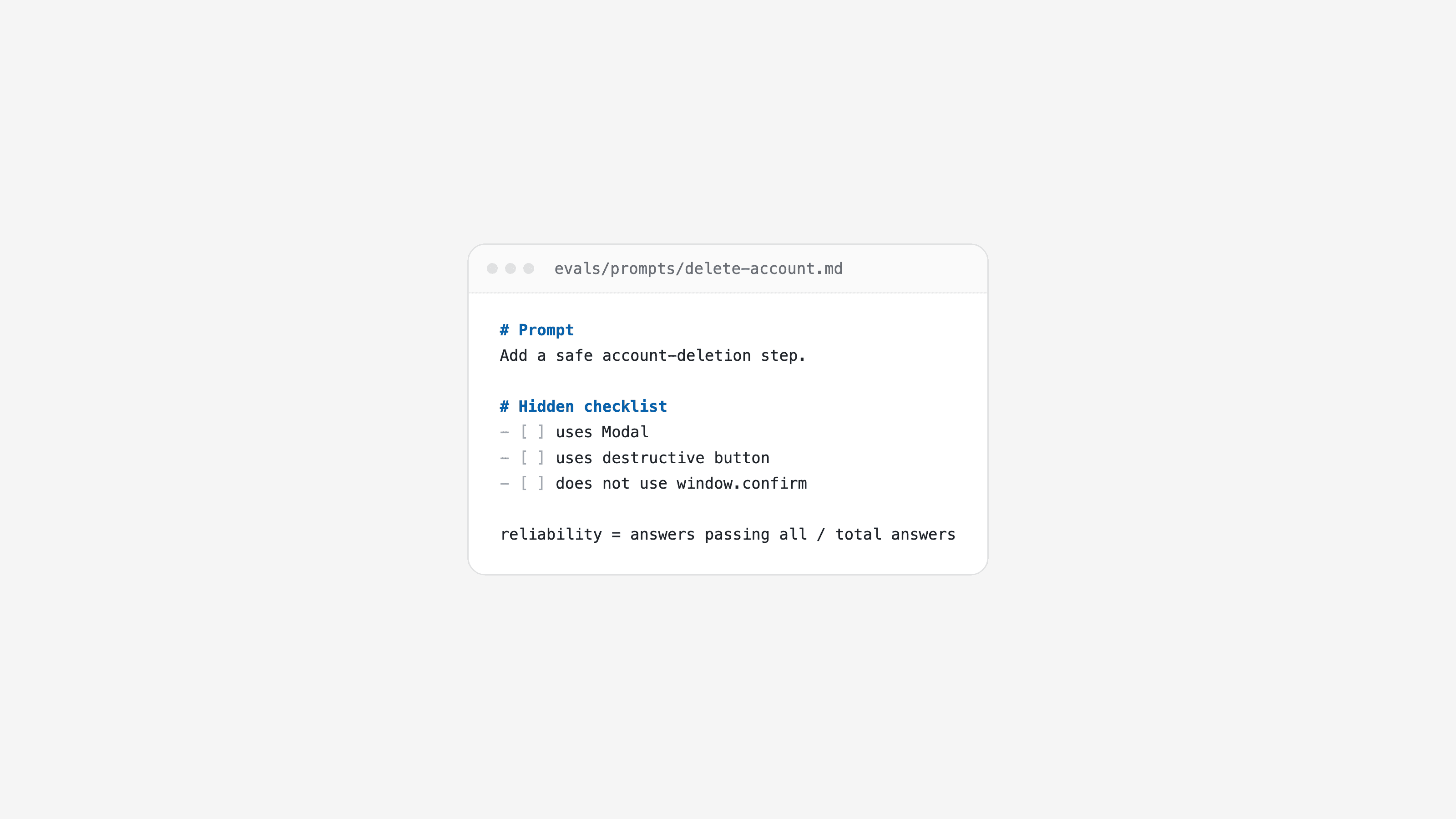
Shared foundation for the AI metrics. Keep an exercise bank such as evals/prompts/delete-account.md.
- Each exercise contains:
- The prompt received by the AI.
- A hidden checklist the AI cannot see.
- A hidden design rubric.
- A correct reference answer.
- Save agent outputs, for example
evals/outputs/delete-account-1.json, including:- The generated code and the context used, for example no help, guide, MCP, and so on.
- The AI model used.
- The date of the run.
- The Design System version used.
Agent reliability
-
What it measures: What share of AI-built screens using the Design System meet the expected outcome.
-
Files you need:
- The shared exercise bank.
- Saved AI outputs.
-
How it is evaluated:
- Generate several responses for each exercise and save every response; agents do not answer the same way twice.
- Script the grading of each hidden-checklist item from evidence in the code, for example it contains
<Modaland does not containwindow.confirm. - Calibrate the grader: the reference answer must pass every check and deliberately flawed versions must fail.
-
Formula: Responses that meet the entire checklist ÷ total responses. Use only outputs for the current Design System version and the latest measurement for each exercise.
-
Watch out for: Mixing historical outputs from before a component, API, or token rename with current outputs can distort the score. Save the Design System version and measurement date with every output; report results per version or exclude obsolete outputs.
Rule compliance
-
What it measures: Whether AI code follows Design System rules beyond the individual exercise.
-
Files you need:
- The shared exercise bank and saved AI outputs.
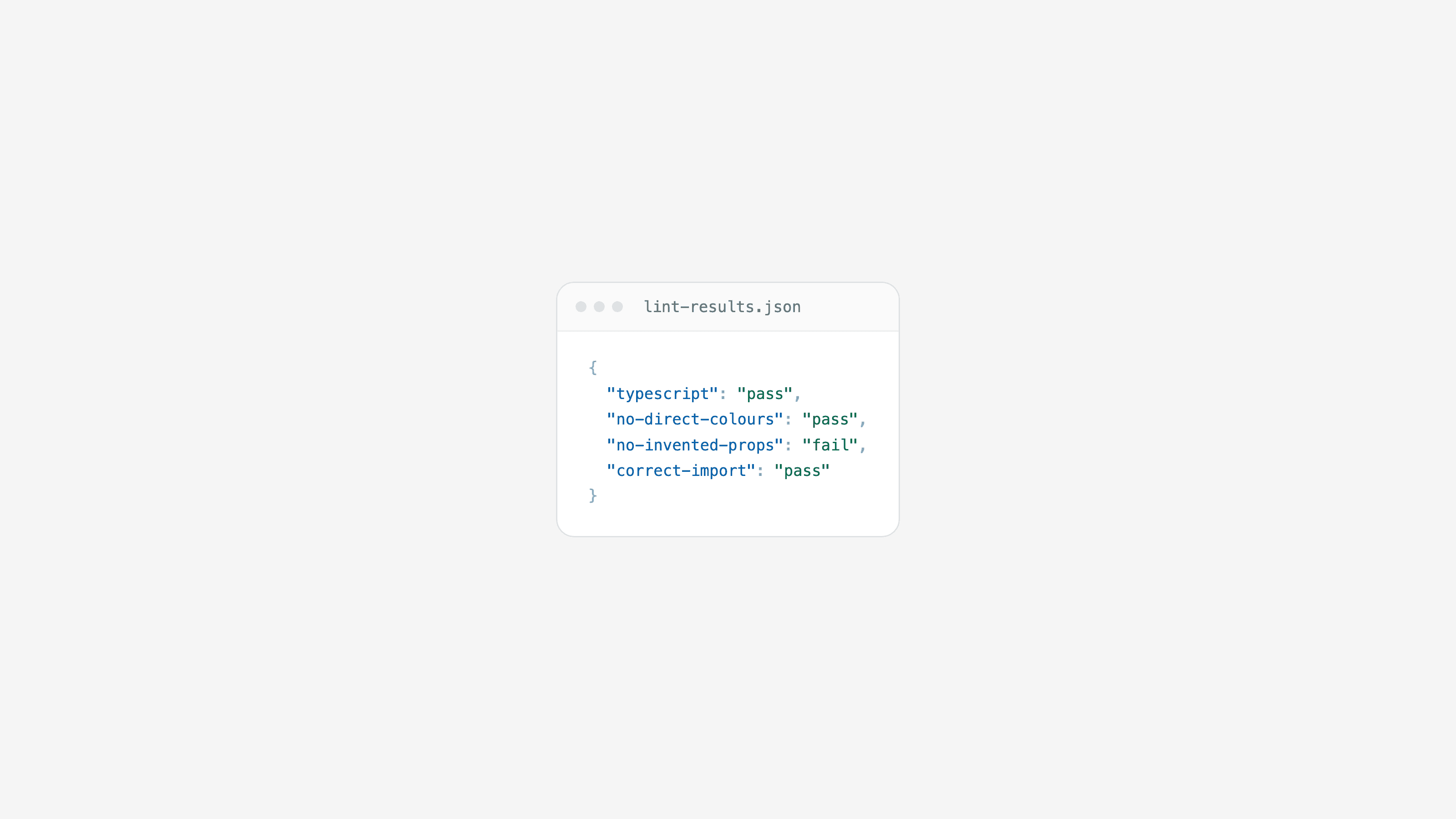
- Rules written as code in a custom linter, for example an ESLint plugin for “no hard-coded colours”, “no invented props”, and “import from the correct package”.
- Design System types so the generated code can compile.
-
How it is evaluated:
- Run every response through the TypeScript compiler and the linter.
- Save the rules that each response breaks.
- Calibrate every rule with deliberately flawed examples: each intentional violation must trigger its rule.
-
Formula: For every rule, the percentage of responses that comply. The metric is the average across rules, while still showing every rule separately.
-
Watch out for: A linter can miss something the compiler catches. Run both checks for every response and merge their findings; whenever they disagree, add a regression example so the gap cannot reappear unnoticed.
Design quality
-
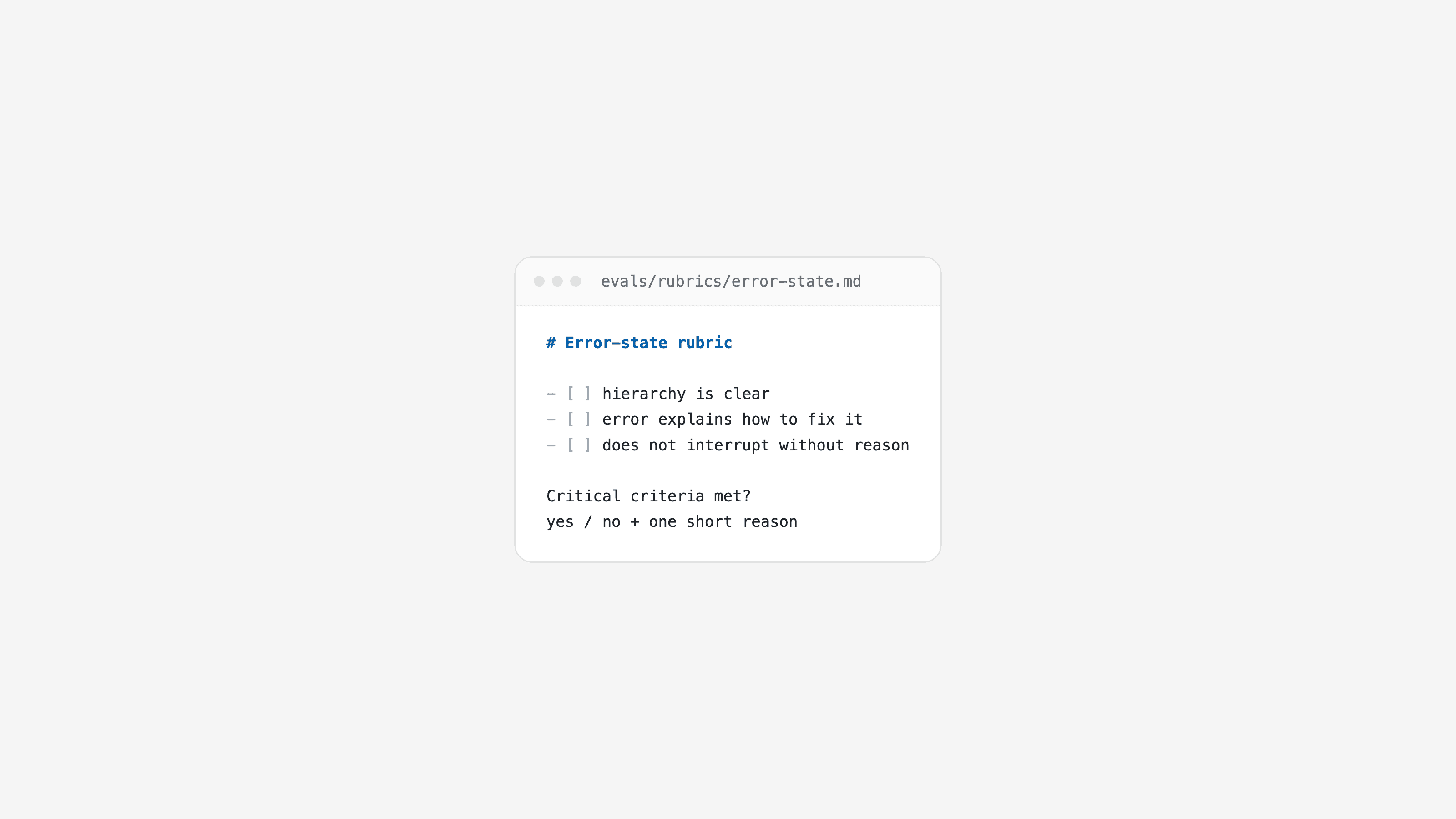
What it measures: Whether AI screens are well designed: hierarchy, clear copy, error messages that explain how to fix a problem, and interactions that do not interrupt people without reason.
-
Files you need:
- The shared exercise bank and saved AI outputs.
- A rubric for every exercise with three or four design criteria, marking which are critical. For example: “the error says how to fix it, not only ‘invalid’”.
- Good and bad examples for calibration.
-
How it is evaluated:
- Use an independent AI judge that did not generate the code and does not know its author.
- Give it the task, rubric, and code; request a fixed response format such as JSON, with yes/no and one reason for every rubric point.
- Calibrate it: good answers must pass and deliberately poor answers must fail.
- Repeat the evaluation twice to check stability, then review a sample of verdicts by hand.
-
Formula: Responses that pass every critical criterion ÷ responses judged.
-
Watch out for: The judge can treat a rubric example as mandatory copy. Write rubrics as criteria, not exact phrases, and test them with several valid variations before relying on the score.
Example debt
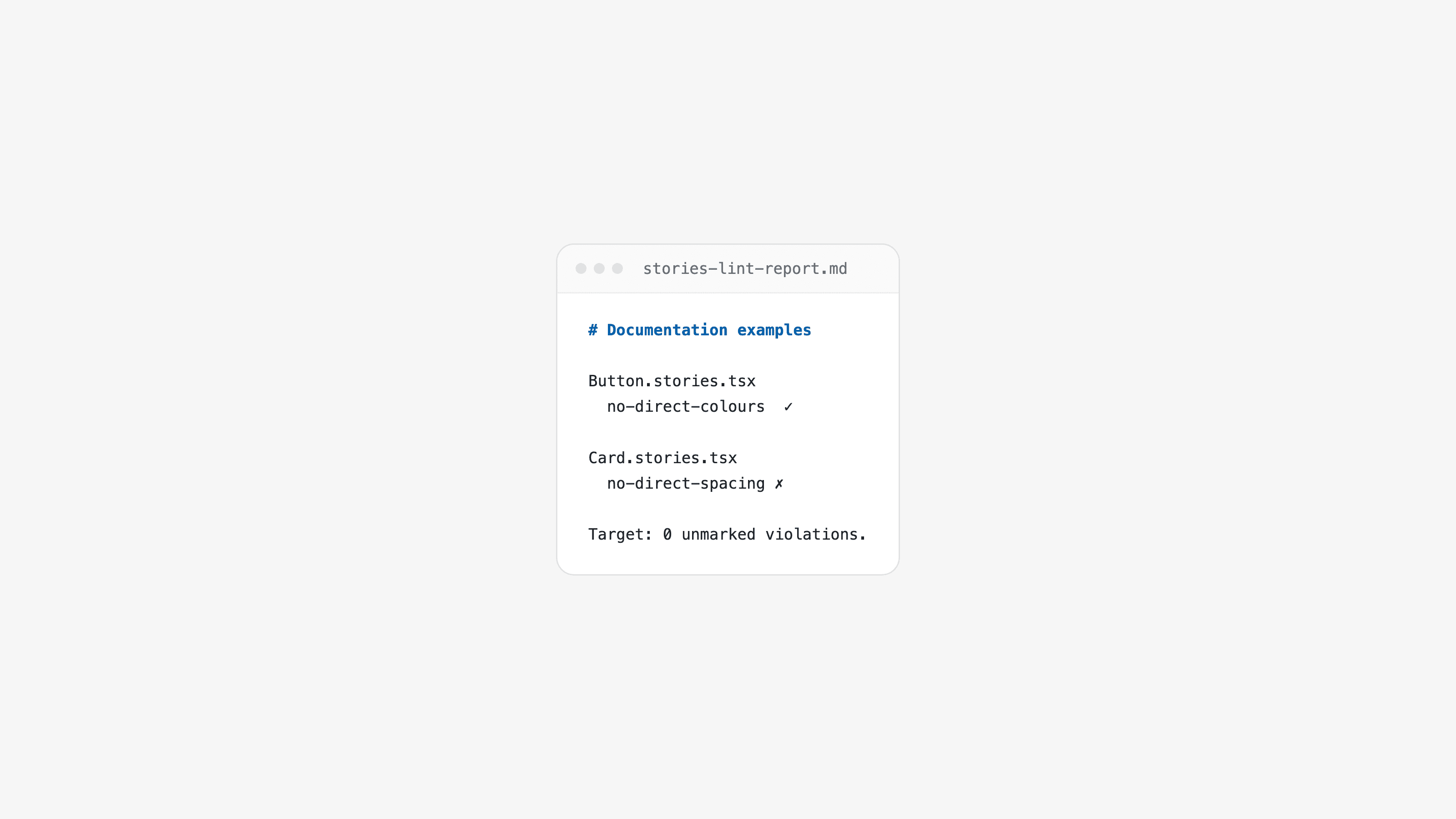
-
What it measures: How many documentation examples break your own rules.
-
Files you need:
- Storybook stories such as
*.stories.tsx. - Guide code snippets.
- The same linter used for rule compliance.
- Storybook stories such as
-
How it is evaluated:
- Run the linter against every example.
- Count violations by rule and by file.
-
Formula: Number of violations. The ideal is zero; it is enough to watch the number decline.
-
Watch out for: Examples that deliberately break rules to teach what not to do. Mark those as exceptions so they do not count.
DesignOps
Stability for teams
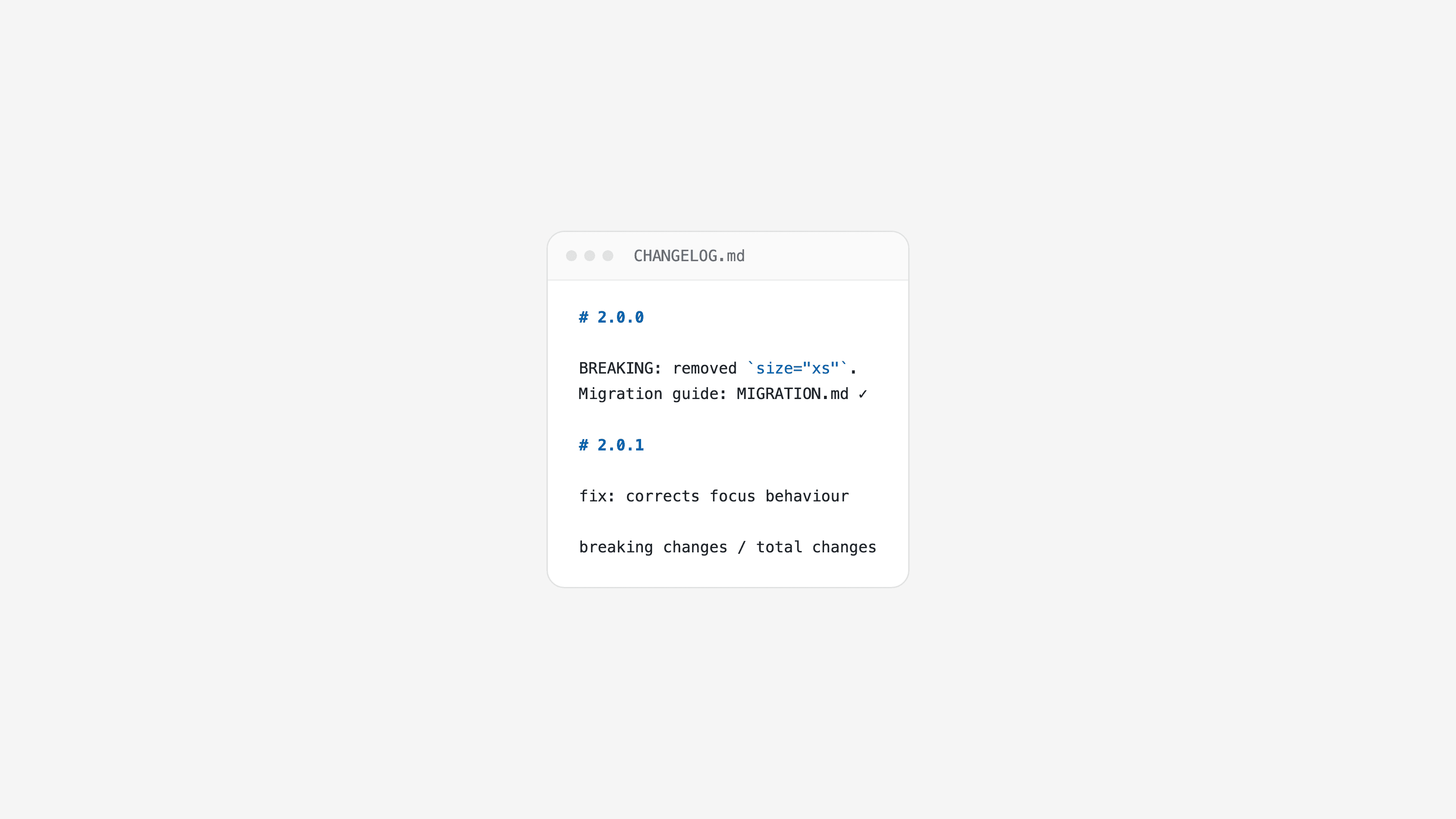
-
What it measures: How often a Design System change breaks something for consumers and forces them to modify their code.
-
Files you need:
- A classified change record, such as
CHANGELOG.md. - Semantic versions where a major change means breaking, or commits with an explicit prefix such as
feat!:. - A migration guide such as
MIGRATION.mdfor every breaking change, explaining what changed and how to update.
- A classified change record, such as
-
How it is evaluated:
- Count breaking changes per month or quarter.
- Verify that every breaking change has a migration guide.
- When commits are not consistently classified, ask AI: “Does this change force consumers to modify code? Yes/no and why?”
-
Formula: Breaking changes ÷ total changes in the period; and breaking changes with a migration guide ÷ breaking changes.
-
Watch out for: Keyword-based classification can call
fix: … remove stray texta breaking change. Use explicit prefixes.
Adoption in real products
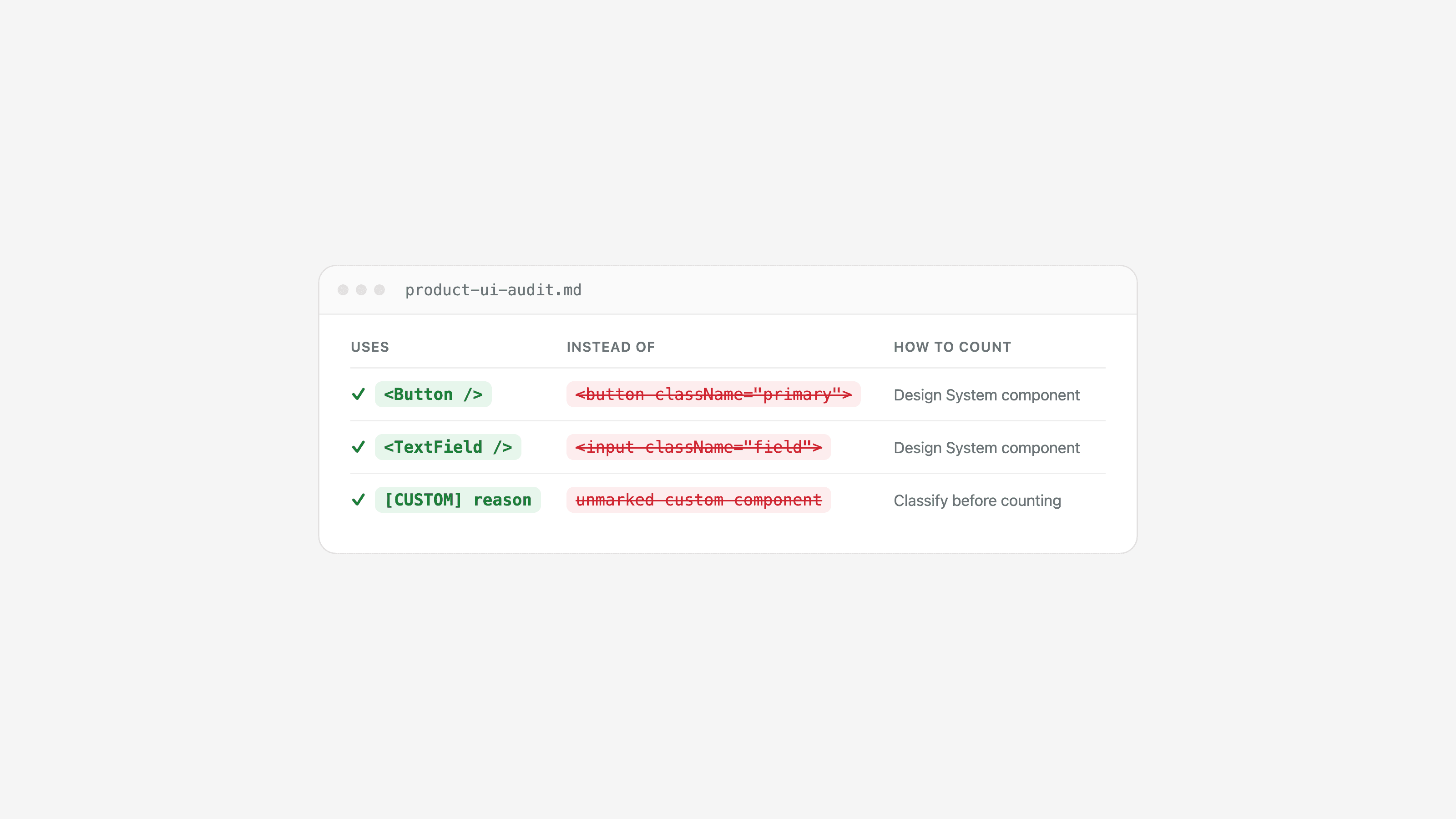
-
What it measures: What part of product UI is built with the Design System and what part is built by hand.
-
Files you need:
- Repositories for products that consume the system.
- Their
package.jsonto identify the Design System version; a very old version is also a signal. - A marker for custom components, such as
// [CUSTOM] reason: …, to distinguish “built by hand because the system lacked it” from “built by hand without looking”.
-
How it is evaluated:
- Start with the newest products or the products most used in production. Expand the audit to the remaining products gradually, and count imported Design System components, such as
<Button>. - Count hand-built elements with a system equivalent, such as
<button>and<input>, plus in-house components marked[CUSTOM]. - Use tools such as
[react-scanner](https://www.npmjs.com/package/react-scanner)to help with the scan. - Use AI to classify in-house components: “Could this product component be made with Design System components? Which ones?”
- Start with the newest products or the products most used in production. Expand the audit to the remaining products gradually, and count imported Design System components, such as
-
Formula: Design System component uses ÷ (Design System uses + equivalent hand-built elements), per product. Also report the Design System version used by each product.
-
Watch out for: Do not count a missing Design System capability as “non-adoption”. It is a request, covered by requests and response time.
Requests and response time
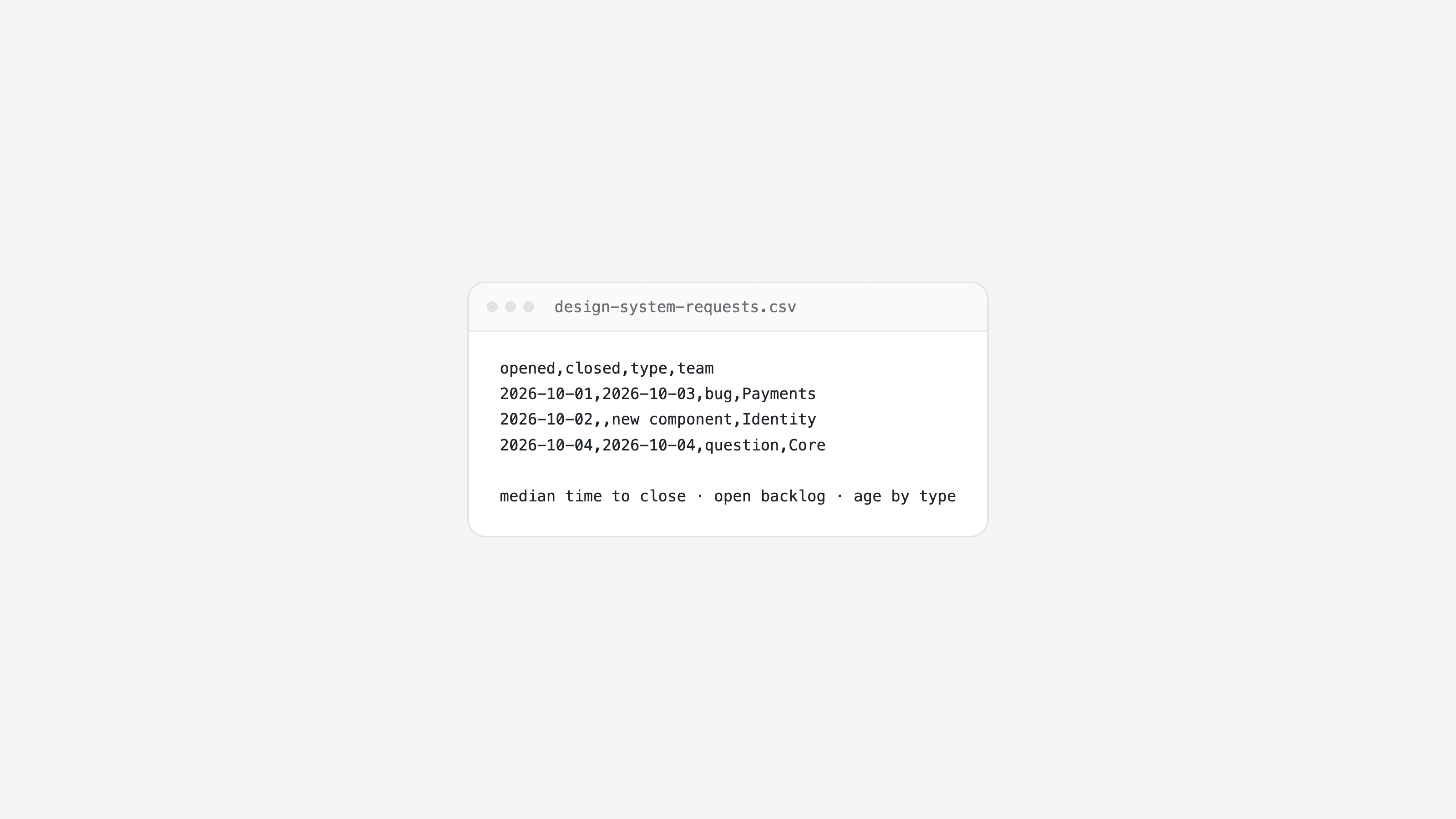
-
What it measures: How much teams request, new components, bugs, and questions and how long the Design System team takes to respond.
-
Files you need:
- A request record with opened date, closed date, type - bug, new component, improvement, or question - and requester.
- GitHub issues or Jira tickets with a shared label, which are the simplest source.
-
How it is evaluated:
- Use the GitHub or Jira API to download requests for the measurement period.
- Calculate median resolution time, open backlog, request age, and volume by type.
-
Formula: Mean, or preferably median, time from opening to closing by request type; open requests at every point and their age; and requests by team, showing who uses the system most and who is blocked.
-
Watch out for: Requests that arrive in chat or meetings but are never recorded. Without a record, this metric does not exist.
A scorecard that helps
Do not chase a single score. Use these metrics as signals for Design System quality, confidence in using it, ecosystem health, and evolution. Read them by version and look for trends, not one isolated day.